
Choosing and Using a Samsung Charger.
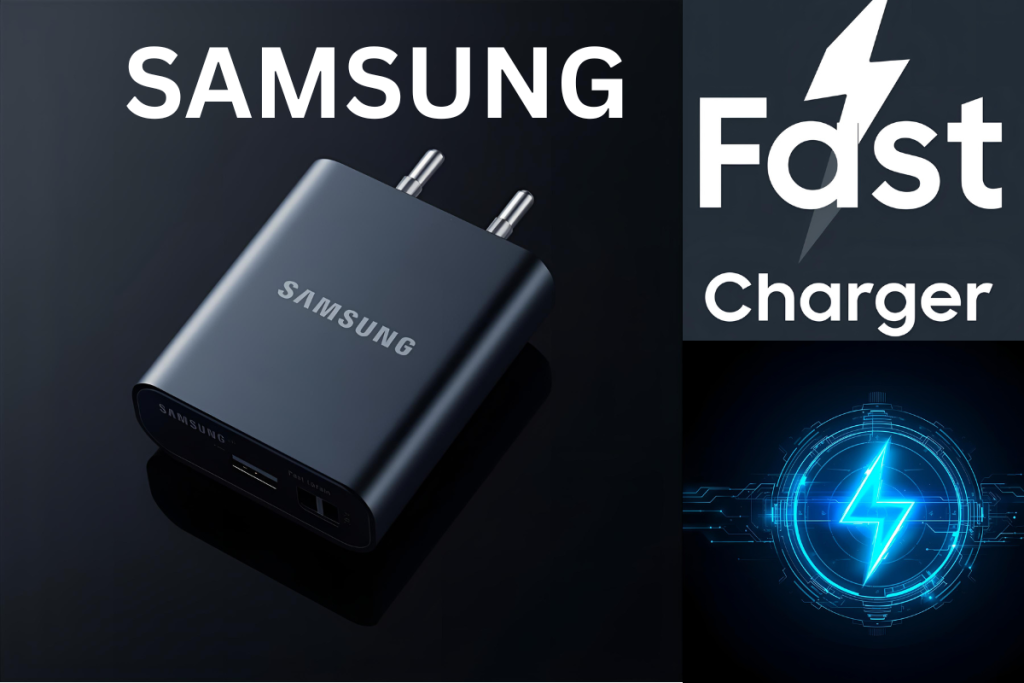
Choosing the right charger for your Samsung device may sound trivial, but it makes a huge difference in performance, battery health, and safety. In this comprehensive guide, we will walk you through, step by step, how to pick the perfect Samsung charger, how to use it safely, and how to troubleshoot common issues. Let us get started.
Why Choosing the Right Charger Matters
Before diving into models and specs, it is important to understand why the right charger is so crucial.
Protecting Battery Health:
A subpar or incompatible charger can overheat the battery, cause capacity loss over time, or even damage internal components. Using a charger that matches your device’s requirements helps maintain battery health.
Enjoying Optimal Charging Speed
If your phone supports fast or superfast charging, but your charger does not, you will lose out on speed. The right charger ensures you charge as fast as your device allows.
Ensuring Safety.
Cheap or fake chargers are more likely to short circuit, produce sparks, or overheat. A quality charger from a trusted brand reduces these risks significantly.
Know the Types of Samsung Chargers Available.
To choose well, you must know what your options are.
Wall Chargers (AC Adapters)
These are the most common types. You plug them into a wall socket, and then connect your phone to charge. Many newer wall adapters support fast or superfast charging.
Wireless Chargers (Pad or Stand)
Charge your device without a wire. Your Samsung device must support Qi wireless charging or a compatible standard. These are convenient — just place your phone on the pad or stand.
Car Chargers
These plug into your car’s 12V socket (cigarette lighter port). Ideal for when you are traveling and need a quick top up.
Power Banks / Portable Chargers
Not exactly “chargers,” but portable batteries that allow you to charge your device when there is no power outlet available.
________________________________________
Understand Samsung’s Charging Technologies
Knowing the charge standards helps you match the charger and device correctly.
Adaptive Fast Charging (AFC)
An older Samsung technology. If both your charger and device support AFC, you can
USB Power Delivery (USB PD)
A universal fast charging standard. Many modern Samsung chargers support USB PD, allowing compatibility with other brands too.
Excellent Fast Charging (SFC) / PPS
Samsung’s latest fast charging technology. Uses USB PD with PPS (Programmable Power Supply). With the correct charger, you can get extremely fast charging speeds (for example, 0 to 50% in 30 minutes on supported devices).
________________________________________
Matching Charger Specs to Your Device
Now that you know types and technologies, here is how to pick a charger that matches your Samsung device.
Check Official Device Specs
Look up your exact model (for instance, Galaxy S22, A52, M33, Tab S7) in the user manual or Samsung’s official site. It will state recommended charger wattage and supported standards.
Selecting the Right Wattage
Chargers come in outputs like 15W, 25W, 45W, 65W, etc. If your phone supports, say, 25W fast charging, there is no benefit in using a 15W charger. But if you use a 65W charger, your phone will only draw what it can safely handle.
Using Quality Cables.
Even with a powerful charger, a low quality cable can bottleneck charging speed or cause failures. Use a USB-C / PD certified cable rated for high current.
Plug and Port Types
Ensure your charger has the correct output plug (USB-C, USB A) and matches the port type on your phone. Also consider your region’s wall outlet type and voltage (e.g. 220V in India).
________________________________________
How to Spot a Genuine Samsung Charger
Fake chargers are widespread. These checks help you avoid them.
Inspect Packaging and Branding
Authentic Samsung chargers come in solid packaging with clear printing, holograms, and quality labels.
Certification Logos:
Look for certification marks like CE (Europe), BIS (India), UL, FCC, etc. Absence of these is a red flag.
Model / Serial Numbers and Fine Print
Genuine chargers have fine print with voltage/current specs (e.g. 5V 3A, 9V 2.77A), model identifiers, batch numbers, and manufacturer info.
Weight, Build, and Finish.
Real chargers feel sturdier, have clean edges, and solid build. Fakes are often lighter, cheap plastic, uneven seams, blurred print.
Authorized Sellers
Buy from Samsung’s official store, trusted retail chains, or verified online sellers. Avoid shady roadside stalls or unverified listings.
________________________________________
Step by Step Safe Usage of a Samsung Charger
Once you have a genuine charger, follow these steps to use it safely and effectively.
Plug Charger Into Wall Socket First:
Always insert the adapter into the wall socket before connecting the cable to your phone. This prevents arcing or electrical issues.
Connect Cable to Phone
Gently insert the USB-C (or relevant) end into your phone’s port. Make sure the alignment is correct.
Observe the Initial Connection
Ensure the phone recognizes charging (you may see the charging icon or “Fast Charging” message). If not, gently unplug and reconnect.
Avoid 100% Charging Regularly
While topping up to full is fine occasionally, keeping your battery between 20% and 80% can prolong battery health in the long run.
Remove Phone Case If Overheating.
Fast charging generates heat. Some phone cases trap heat. If the phone becomes warm, remove the case temporarily.
Keep Ports and Cables Clean:
Dust or lint inside charging ports causes poor connection. Clean gently using a soft brush or compressed air (power off phone first).
Unplug When Charging Completes or Not in Use
do not keep charger plugged into both phone and wall 24/7. Unplugging saves energy and reduces risk.
________________________________________
Troubleshooting Common Charging Problems.
Even with good gear, you might face issues. Here is how to fix them.
Problem – Charging Too Slowly
• Use a higher wattage charger (if your phone supports).
• Replace your cable with a high-quality, fast-charging rated one.
• Try a different wall socket.
• Remove case if it traps heat.
Problem – Overheating
• Don’t charge your phone in direct sunlight or hot rooms.
• Remove case.
• Charge in short bursts or slow mode (if available).
• Use
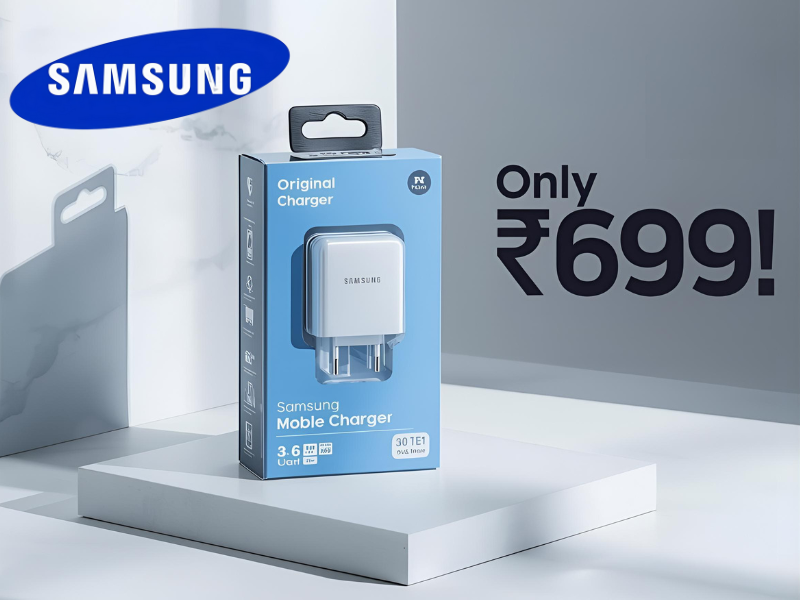
Choosing and Using a Samsung Charger
Choosing the right charger for your Samsung device may sound trivial, but it makes a huge difference in performance, battery health, and safety. In this comprehensive guide, we’ll walk you through, step by step, how to pick the perfect Samsung charger, how to use it safely, and how to troubleshoot common issues. Let’s get started.
Why Choosing the Right Charger Matters
Before diving into models and specs, it’s important to understand why the right charger is so crucial.
Protecting Battery Health
A subpar or incompatible charger can overheat the battery, cause capacity loss over time, or even damage internal components. Using a charger that matches your device’s requirements helps maintain battery health.
Enjoying Optimal Charging Speed
If your phone supports fast or super‑fast charging, but your charger doesn’t, you’ll lose out on speed. The right charger ensures you charge as fast as your device allows.
Ensuring Safety
Cheap or fake chargers are more likely to short circuit, produce sparks, or overheat. A quality charger from a trusted brand reduces these risks significantly.
Know the Types of Samsung Chargers Available
To choose well, you must know what your options are.
Wall Chargers (AC Adapters)
These are the most common types. You plug them into a wall socket, and then connect your phone to charge. Many newer wall adapters support fast or super‑fast charging.
Wireless Chargers (Pad or Stand)
Charge your device without a wire. Your Samsung device must support Qi wireless charging or a compatible standard. These are convenient — just place your phone on the pad or stand.
Car Chargers
These plug into your car’s 12V socket (cigarette lighter port). Ideal for when you’re traveling and need a quick top‑up.
Power Banks / Portable Chargers
Not exactly “chargers,” but portable batteries that allow you to charge your device when there’s no power outlet available.
Understand Samsung’s Charging Technologies
Knowing the charge standards helps you match the charger and device correctly.
Adaptive Fast Charging (AFC)
An older Samsung technology. If both your charger and device support AFC, you can
USB Power Delivery (USB‑PD)
A universal fast charging standard. Many modern Samsung chargers support USB‑PD, allowing compatibility with other brands too.
Super Fast Charging (SFC) / PPS
Samsung’s latest fast charging technology. Uses USB‑PD with PPS (Programmable Power Supply). With the correct charger, you can get extremely fast charging speeds (for example 0 to 50% in ~30 minutes on supported devices).
Matching Charger Specs to Your Device
Now that you know types and technologies, here’s how to pick a charger that matches your Samsung device.
Check Official Device Specs
Look up your exact model (for instance, Galaxy S22, A52, M33, Tab S7) in the user manual or Samsung’s official site. It will state recommended charger wattage and supported standards.
Selecting the Right Wattage
Chargers come in outputs like 15W, 25W, 45W, 65W, etc. If your phone supports, say, 25W fast charging, there’s no benefit in using a 15W charger. But if you use a 65W charger, your phone will only draw what it can safely handle.
Using Quality Cables
Even with a powerful charger, a low‑quality cable can bottleneck charging speed or cause failures. Use a USB‑C / PD certified cable rated for high current.
Plug and Port Types
Ensure your charger has the correct output plug (USB‑C, USB‑A) and matches the port type on your phone. Also consider your region’s wall outlet type and voltage (e.g. 220V in India).
How to Spot a Genuine Samsung Charger
Fake chargers are widespread. These checks help you avoid them.
Inspect Packaging and Branding
Authentic Samsung chargers come in solid packaging with clear printing, holograms, and quality labels.
Certification Logos
Look for certification marks like CE (Europe), BIS (India), UL, FCC, etc. Absence of these is a red flag.
Model / Serial Numbers and Fine Print
Genuine chargers have fine print with voltage/current specs (e.g. 5V‑3A, 9V‑2.77A), model identifiers, batch numbers, and manufacturer info.
Weight, Build, and Finish
Real chargers feel sturdier, have clean edges, and solid build. Fakes are often lighter, cheap plastic, uneven seams, blurred print.
Authorized Sellers
Buy from Samsung’s official store, trusted retail chains, or verified online sellers. Avoid shady roadside stalls or unverified listings.
Step‑by‑Step Safe Usage of a Samsung Charger
Once you have a genuine charger, follow these steps to use it safely and effectively.
Plug Charger Into Wall Socket First
Always insert the adapter into the wall socket before connecting the cable to your phone. This prevents arcing or electrical issues.
Connect Cable to Phone
Gently insert the USB‑C (or relevant) end into your phone’s port. Make sure the alignment is correct.
Observe the Initial Connection
Ensure the phone recognizes charging (you may see the charging icon or “Fast Charging” message). If not, gently unplug and reconnect.
Avoid 100% Charging Regularly
While topping up to full is fine occasionally, keeping your battery between ~20% and ~80% can prolong battery health in the long run.
Remove Phone Case If Overheating
Fast charging generates heat. Some phone cases trap heat. If the phone becomes warm, remove the case temporarily.
Keep Ports and Cables Clean
Dust or lint inside charging ports causes poor connection. Clean gently using a soft brush or compressed air (power off phone first).
Unplug When Charging Completes or Not in Use
Don’t keep charger plugged into both phone and wall 24/7. Unplugging saves energy and reduces risk.
Troubleshooting Common Charging Problems
Even with good gear, you might face issues. Here’s how to fix them.
Charging Too Slowly
- Use a higher wattage charger (if your phone supports).
- Replace your cable with a high-quality, fast-charging rated one.
- Try a different wall socket.
- Remove case if it traps heat.
Problem 1 Overheating
- Don’t charge your phone in direct sunlight or hot rooms.
- Remove case.
- Charge in short bursts or slow mode (if available).
- Use only genuine accessories.
Problem 2 Charging Not Starting / “Accessory Not Supported”
- Try alternate cable and charger.
- Restart your phone.
- Clean charging port carefully.
- Update your phone’s software. Some updates fix charging compatibility issues.
Problem 3 Charger or Cable Breaking Frequently
- Avoid bending cable sharply.
- Use strain relief accessories.
- Invest in durable cables (e.g. braided ones).
- Use magnetic cable adapters (if suitable) to reduce wear.
Best Practices & Extra Tips
These additional tips help you prolong both charger and battery lifespan.
- Always carry a spare charger or cable for emergencies.
- Use slow charging (5W–10W) overnight instead of fast charging.
- Charge in moderate temperature environments (not too cold, not too hot).
- Avoid using phone while fast charging (running heavy apps adds heat).
- Occasionally calibrate battery: let it discharge to ~10% then charge to ~100%.
- Keep firmware updated; Samsung sometimes tweaks charging behavior in updates.
Conclusion
Choosing and using the right Samsung charger is not just about speed—it’s about battery health, safety, and long‑term performance. By following this step‑by‑step guide, you’ll know exactly which charger suits your device, how to verify its authenticity, how to use it safely, and how to troubleshoot common issues.